Custom colours & your logo
Design your own colourway and add your logo, right on the product page.

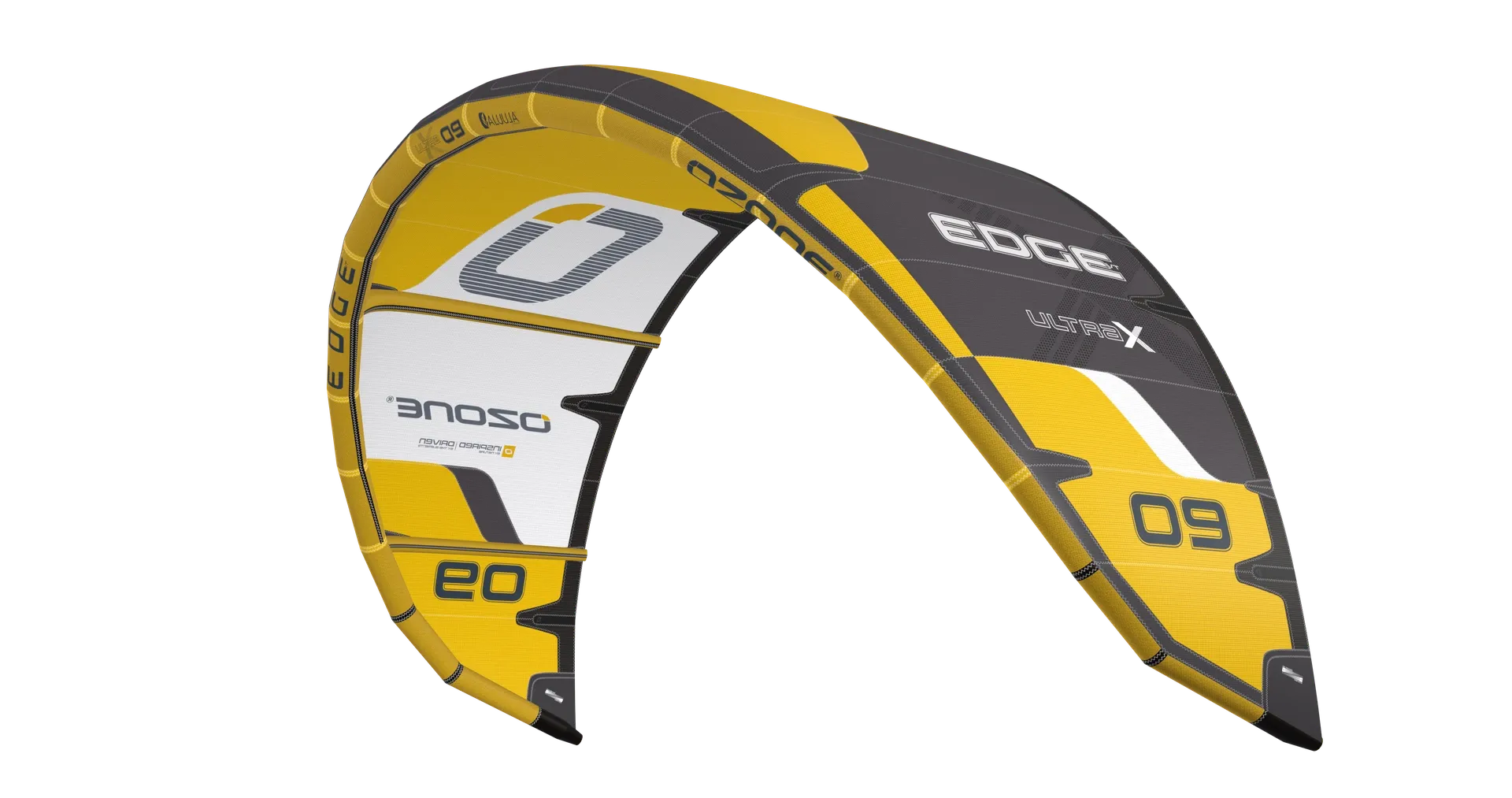
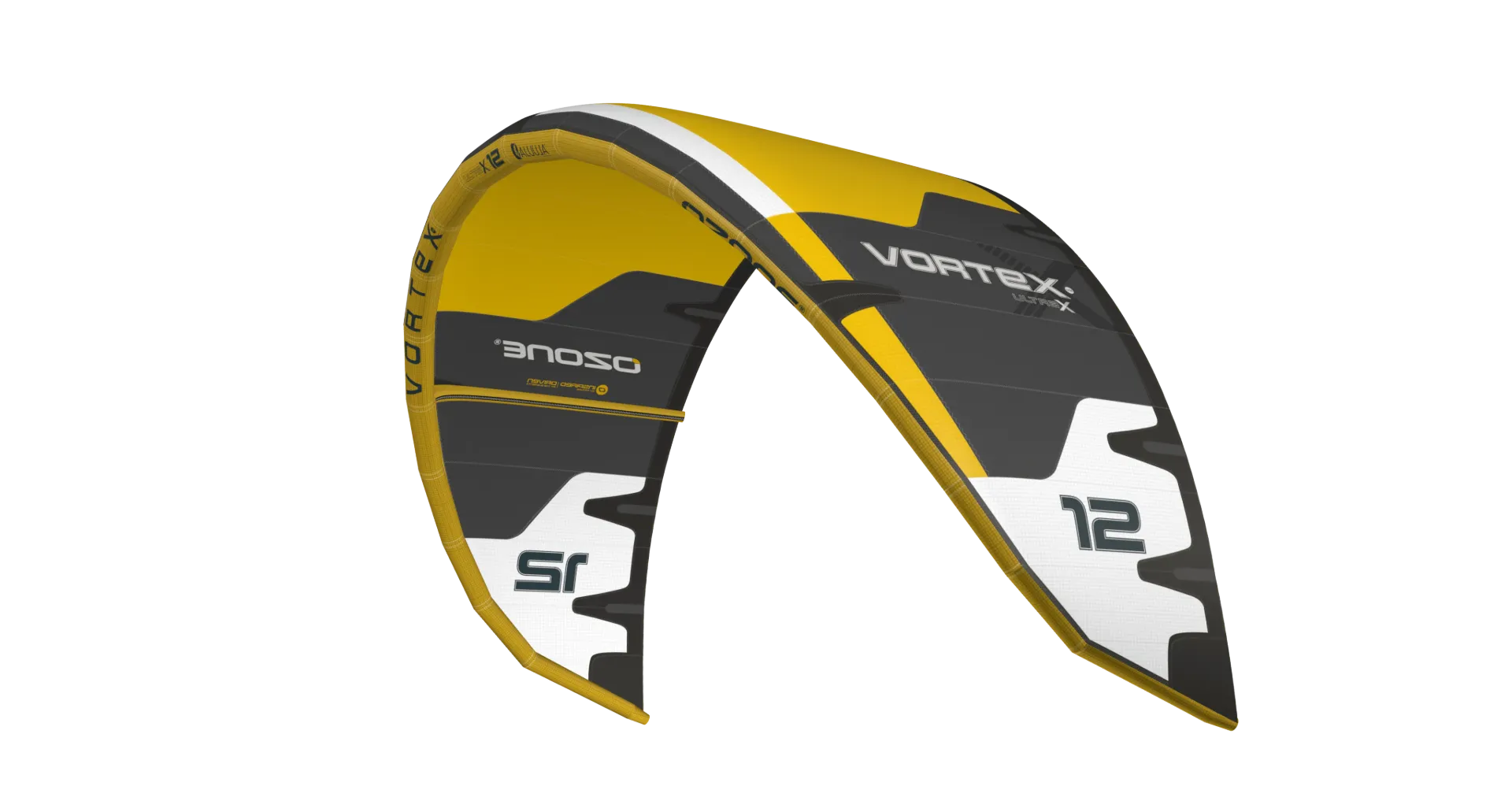
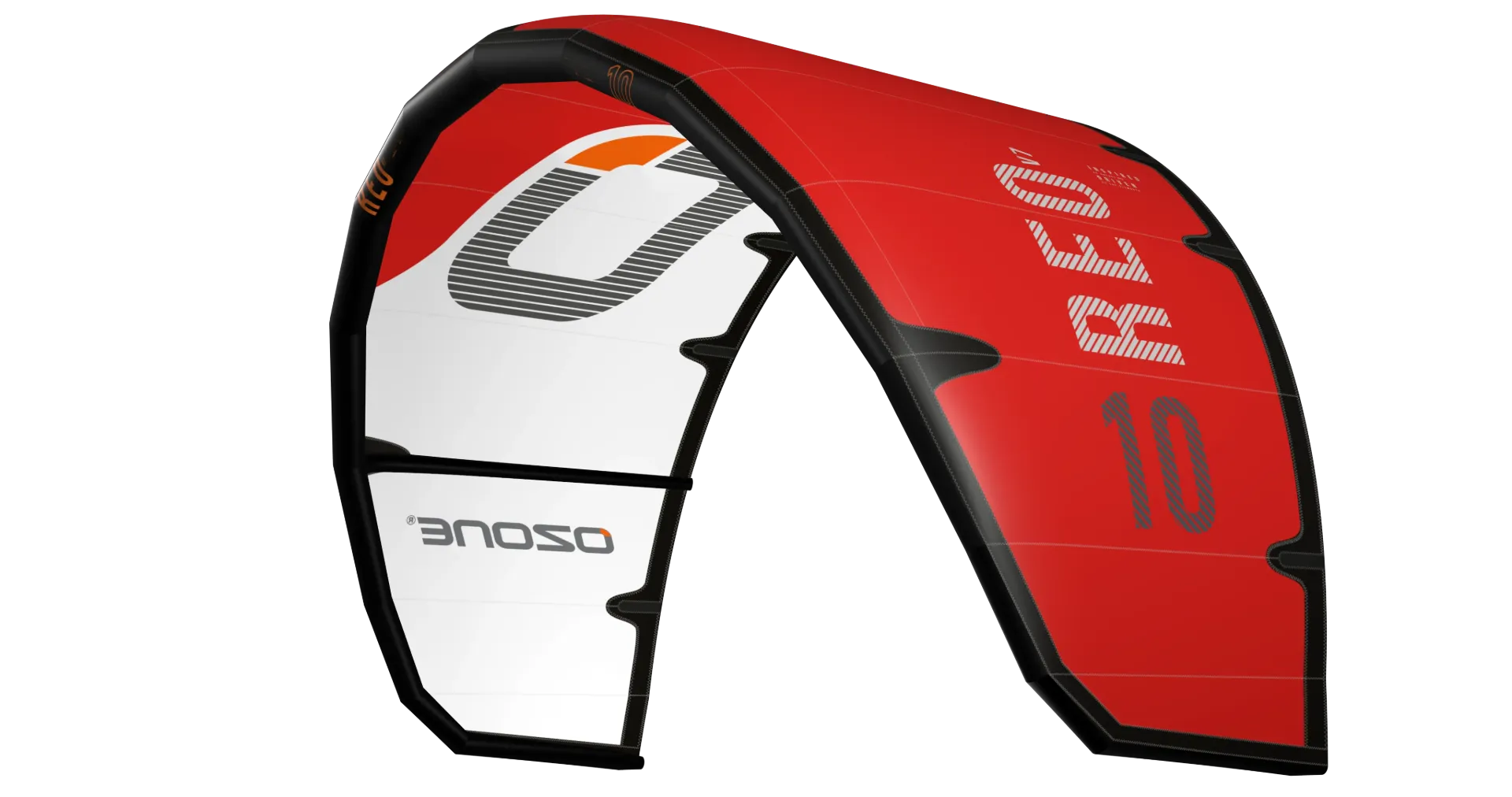
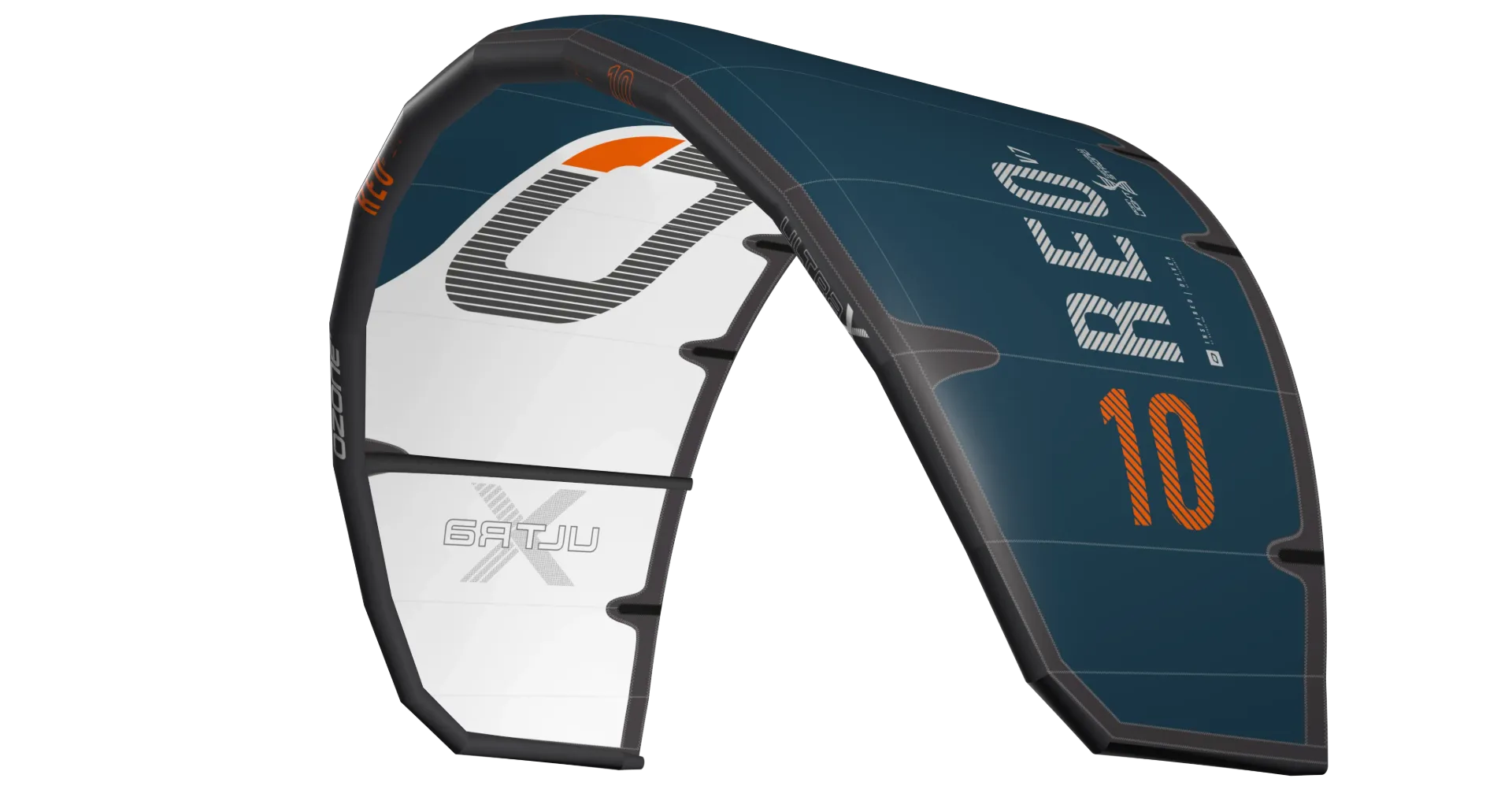
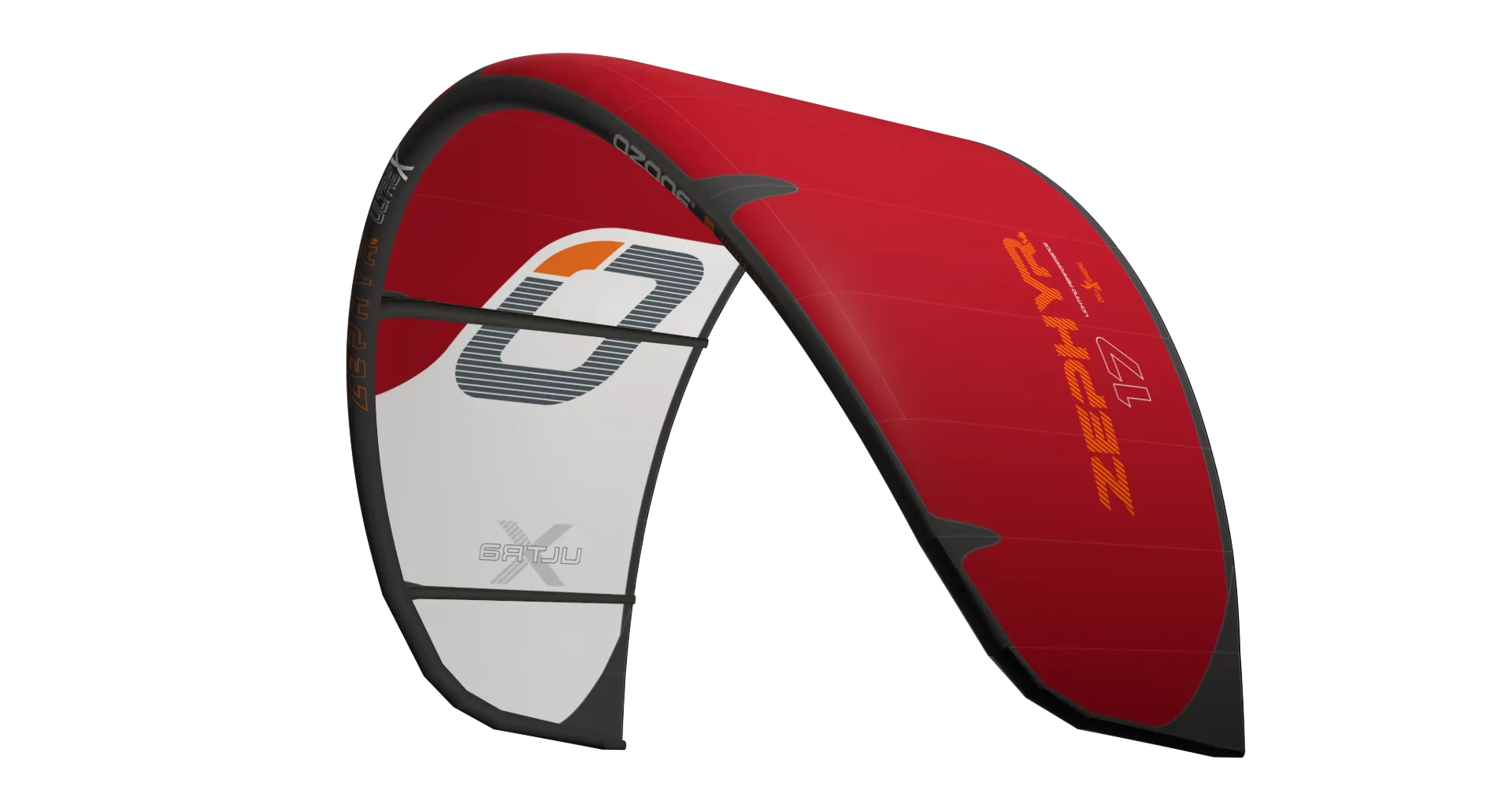
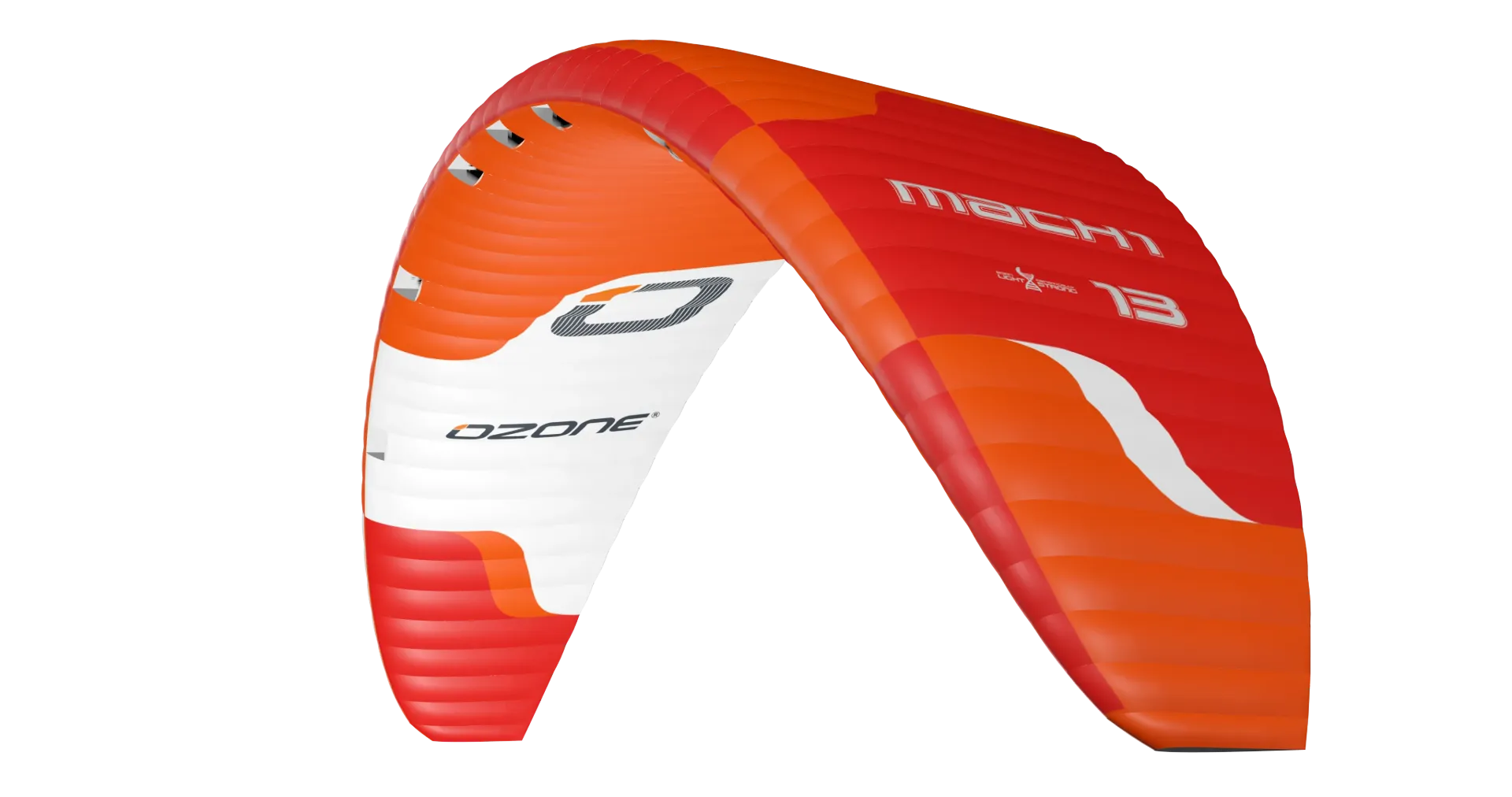
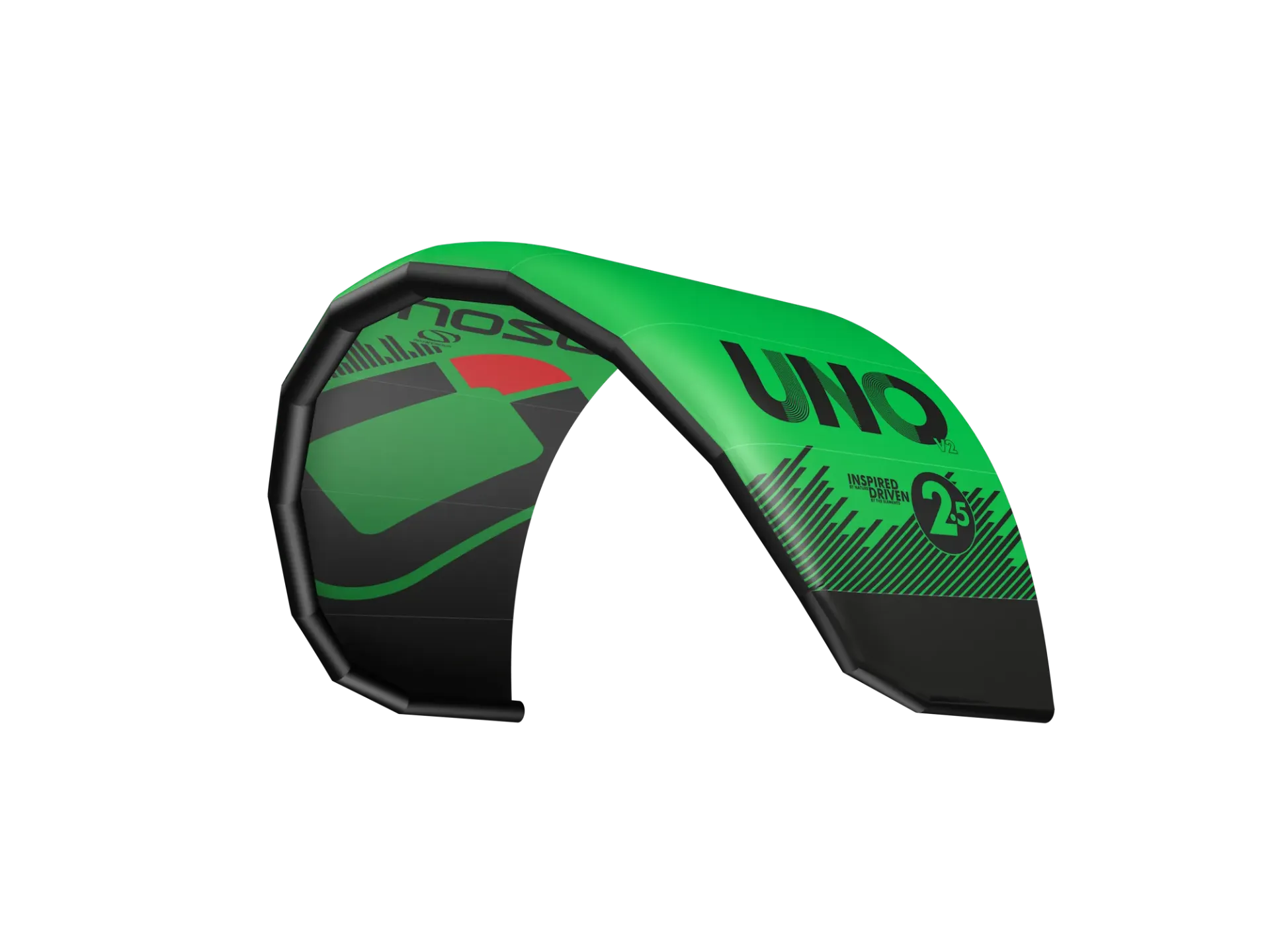
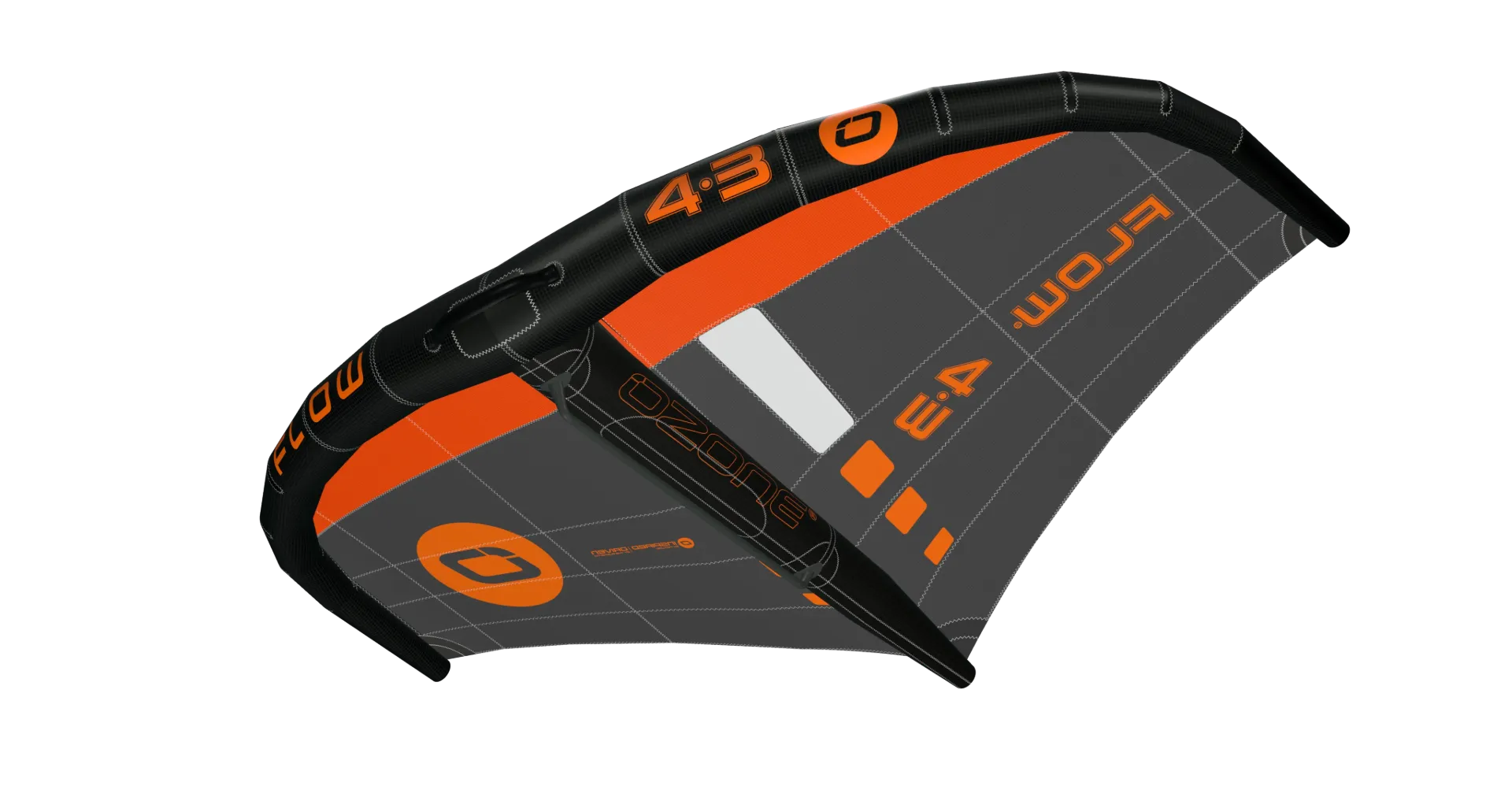
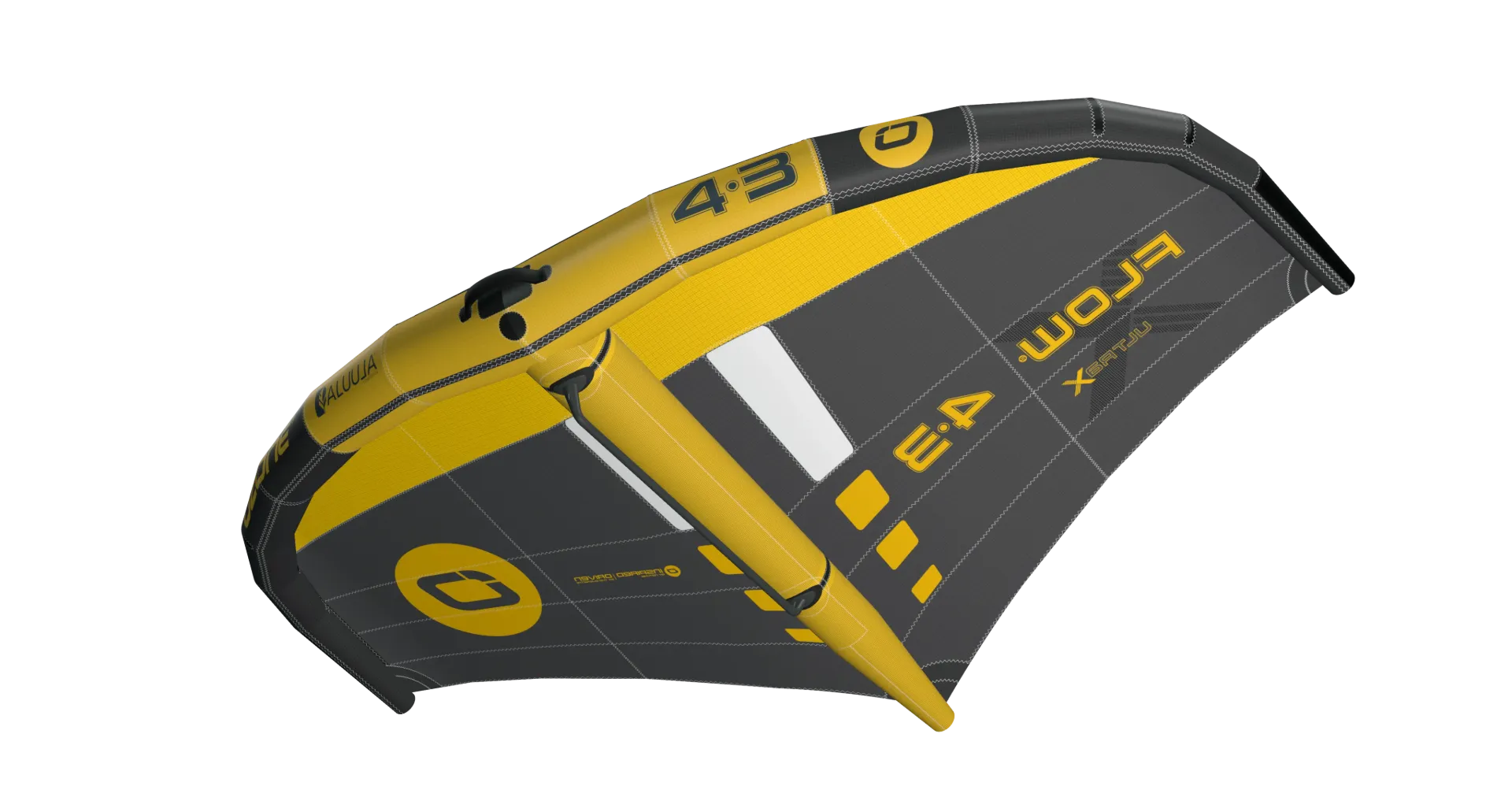
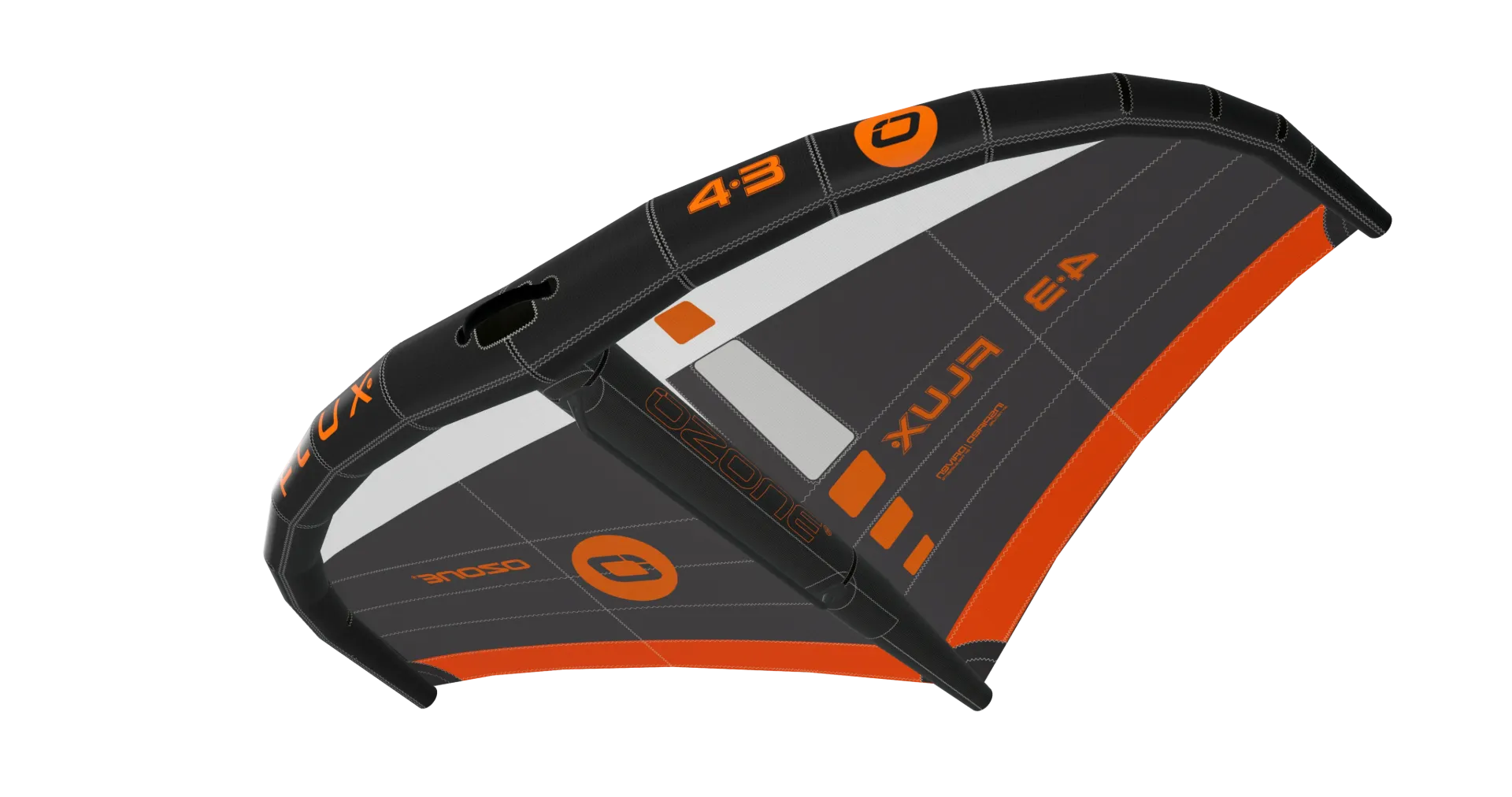
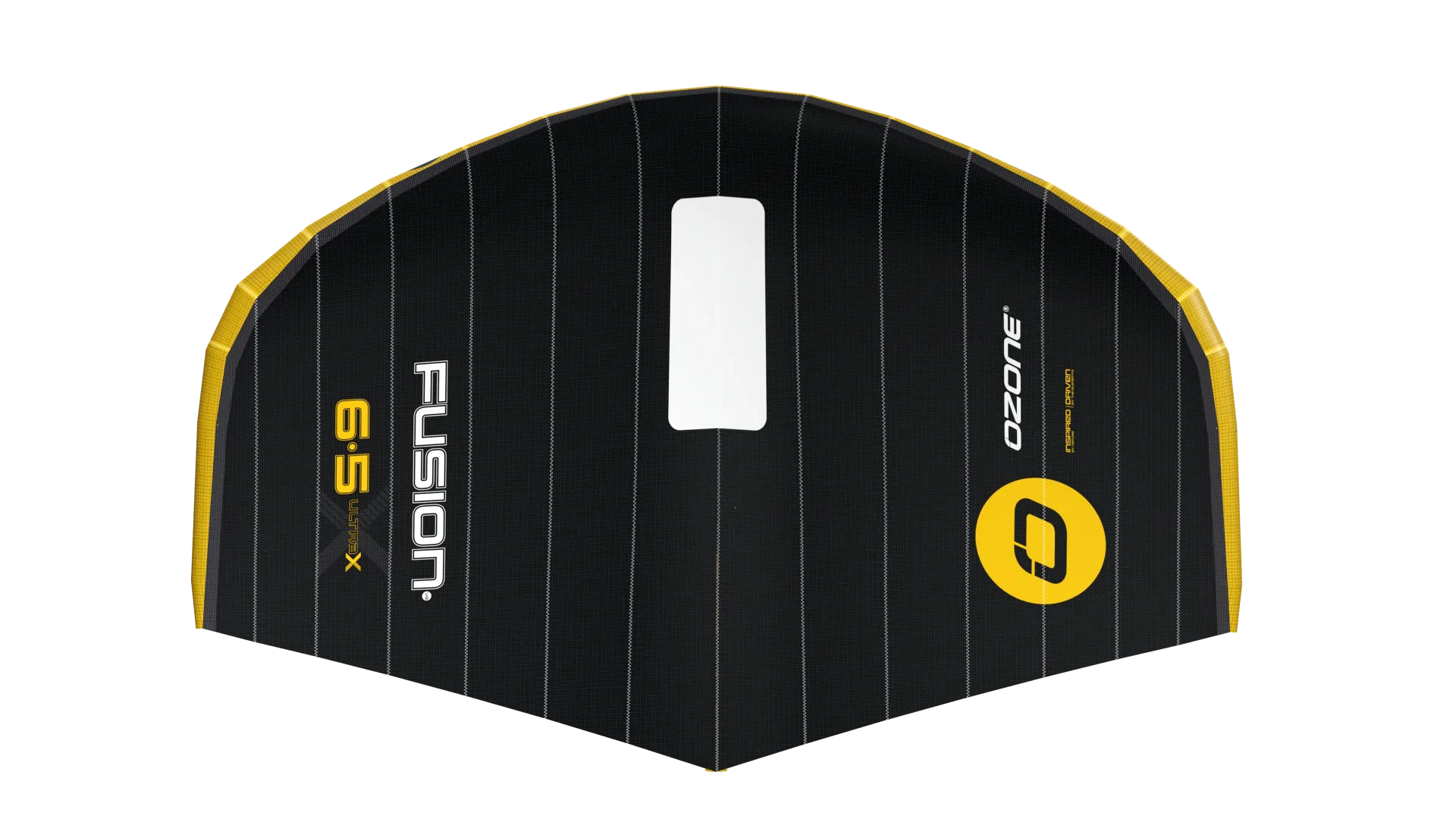
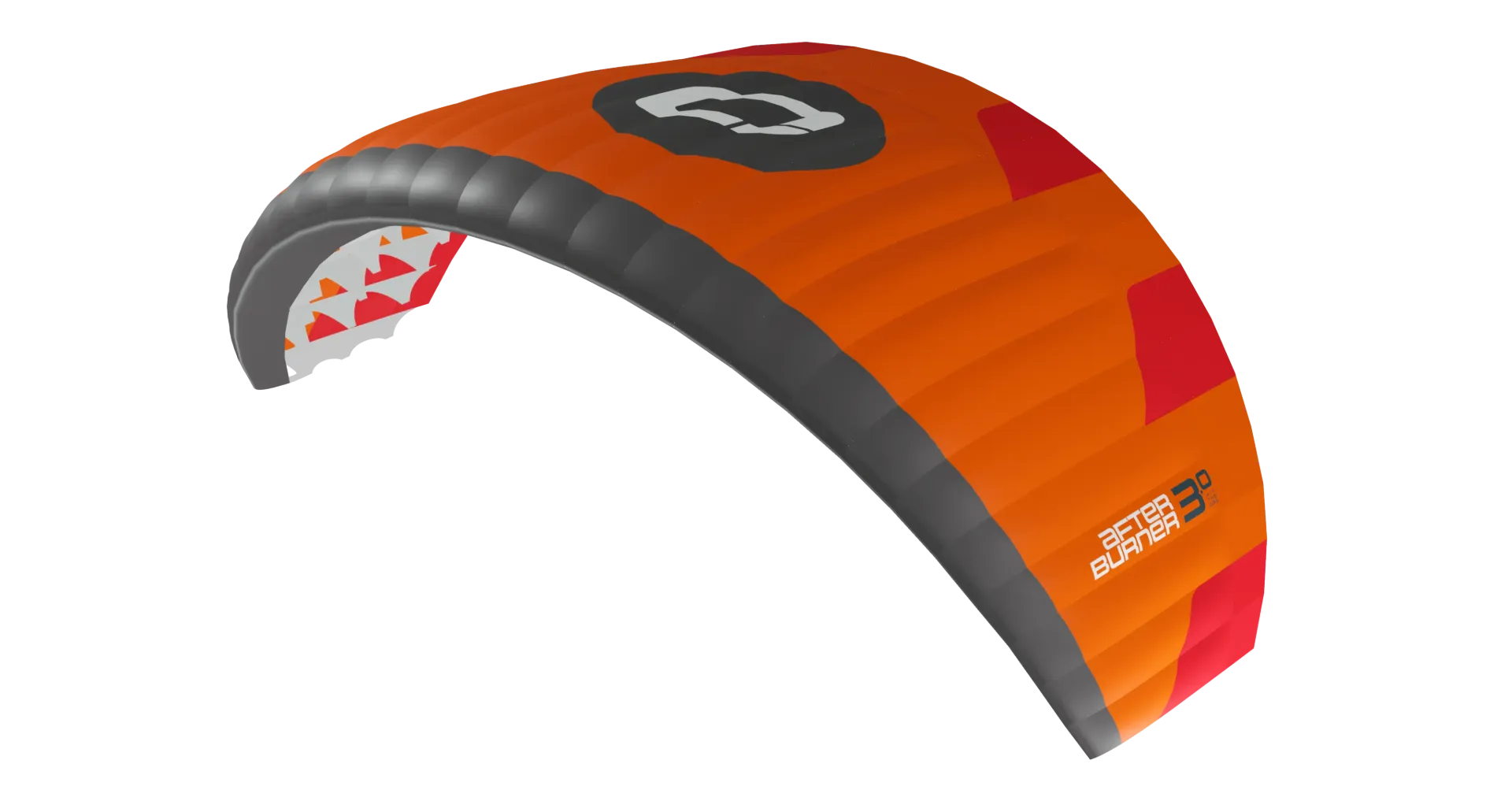
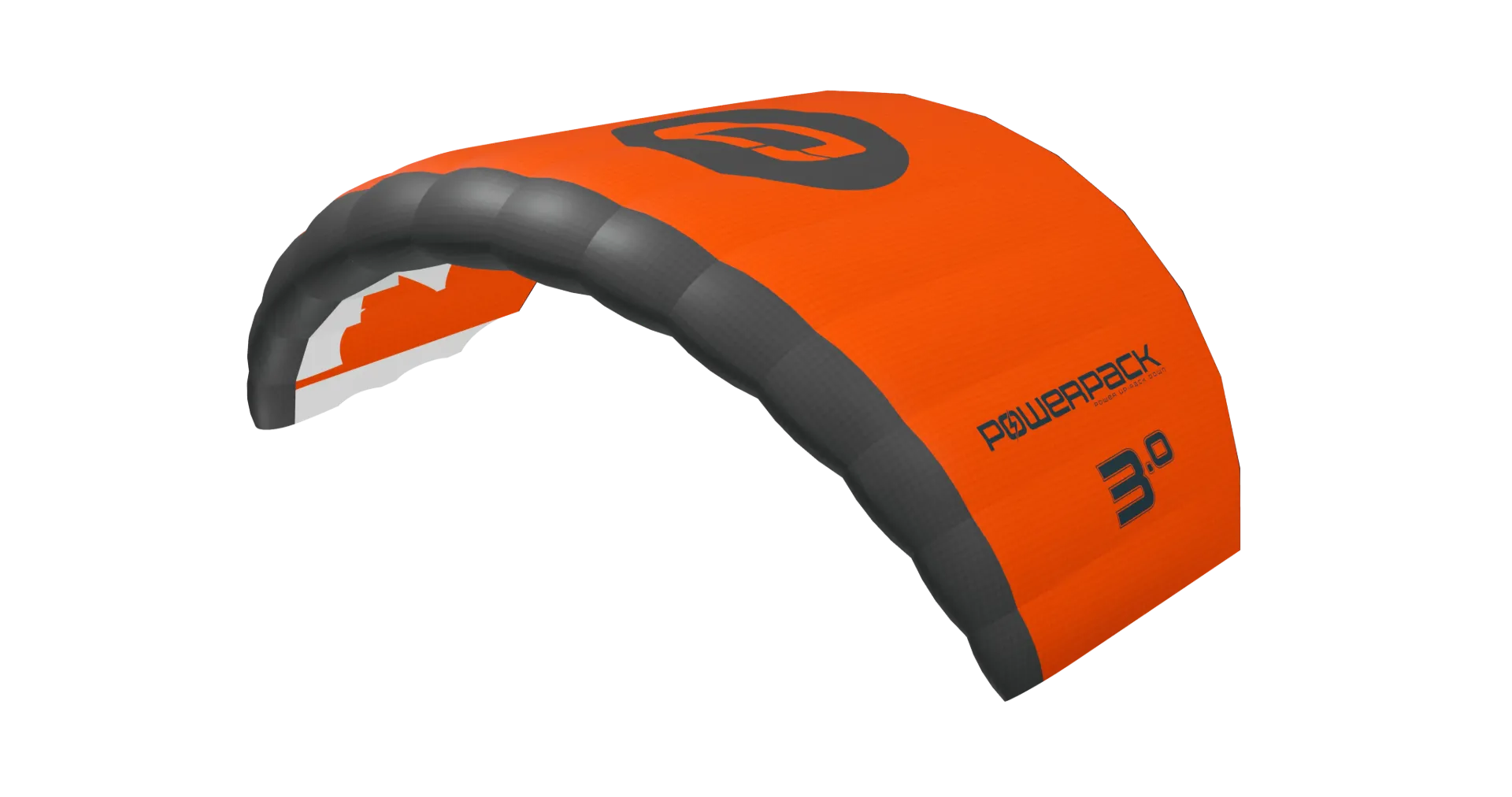
Play with Custom colours and create your perfect colourway.
Custom colours
Three steps, about a minute.
Choose Custom
Pick your size, tap the  palette under the product and select Custom colours.
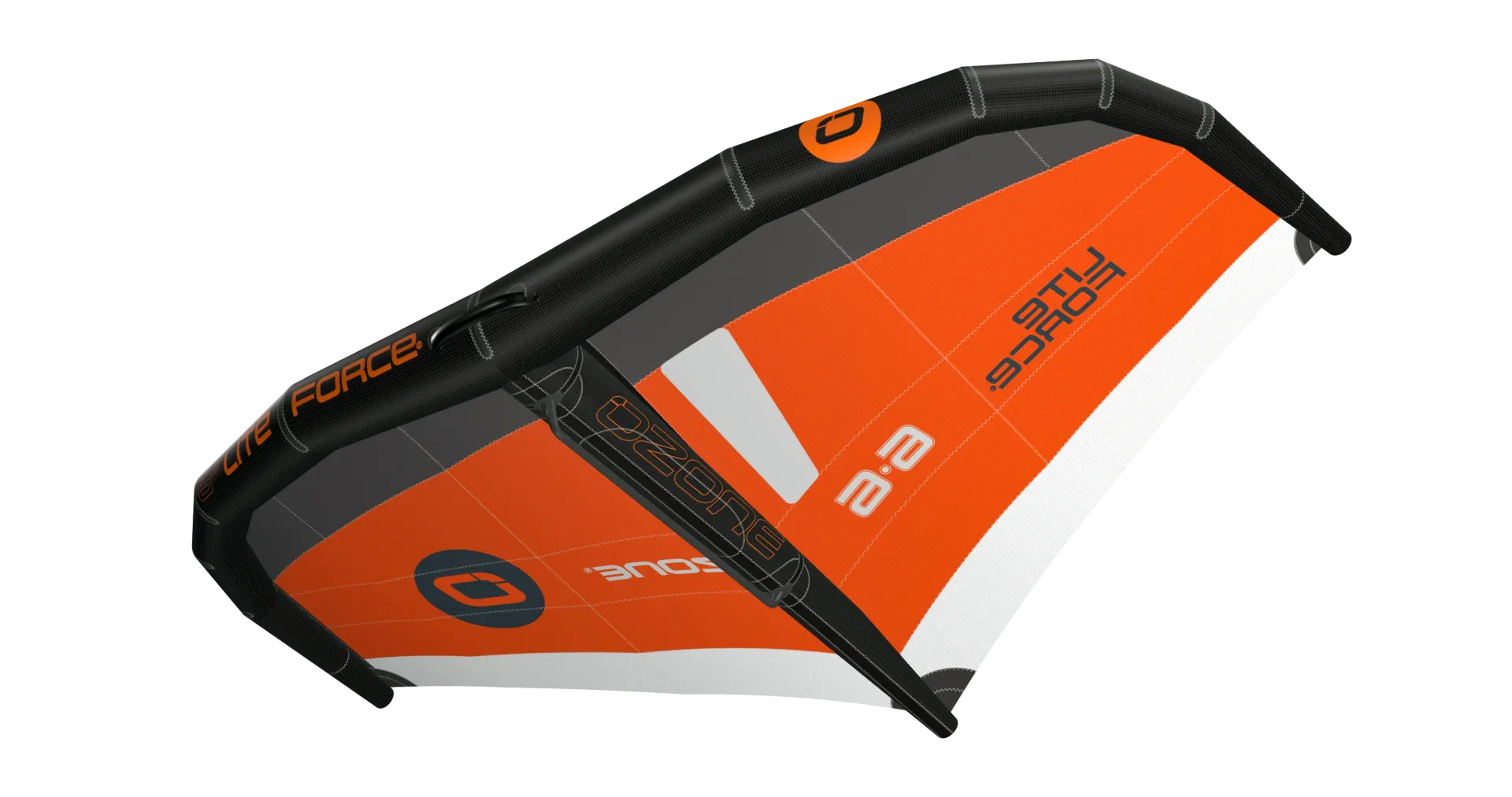
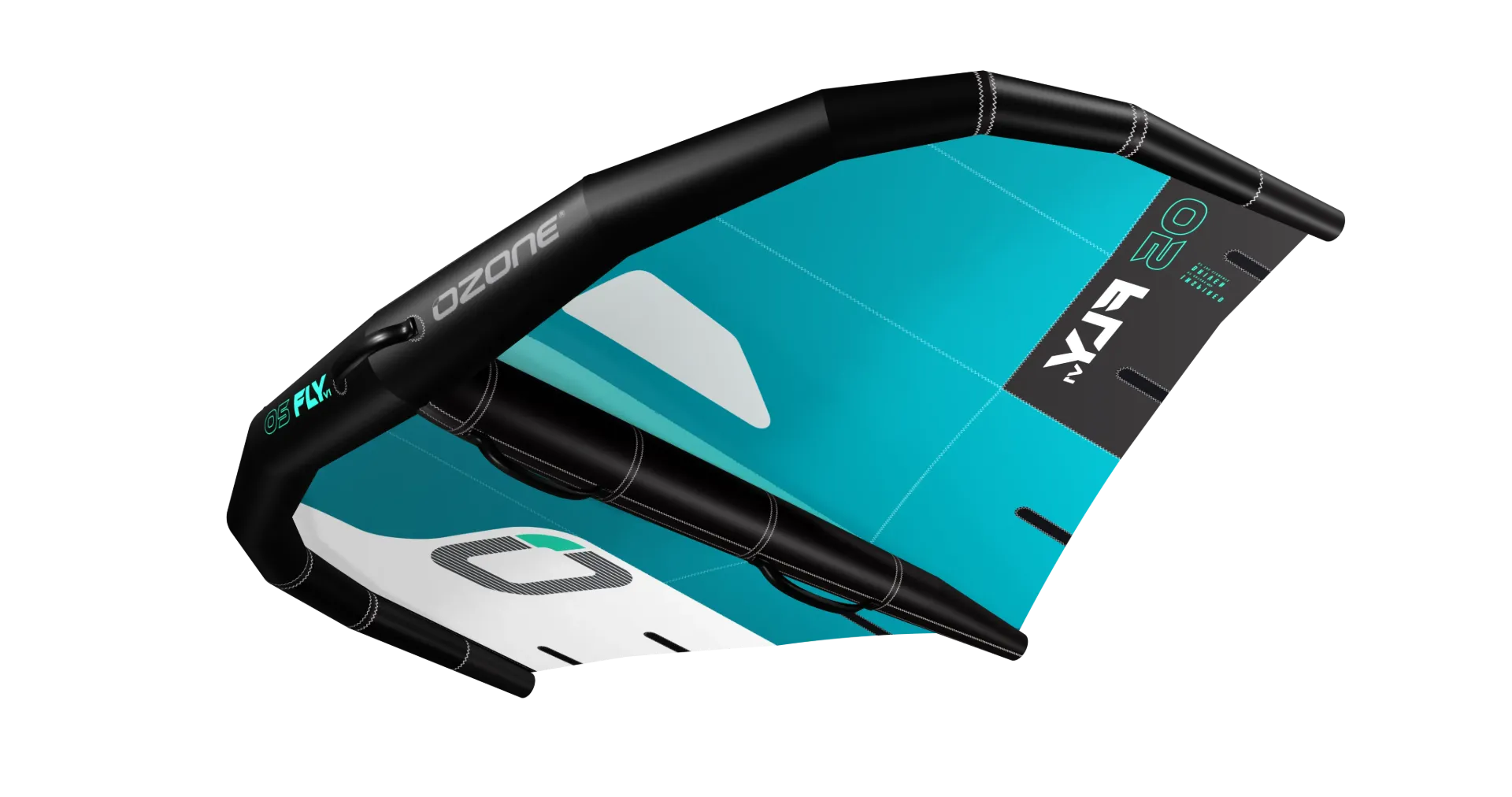
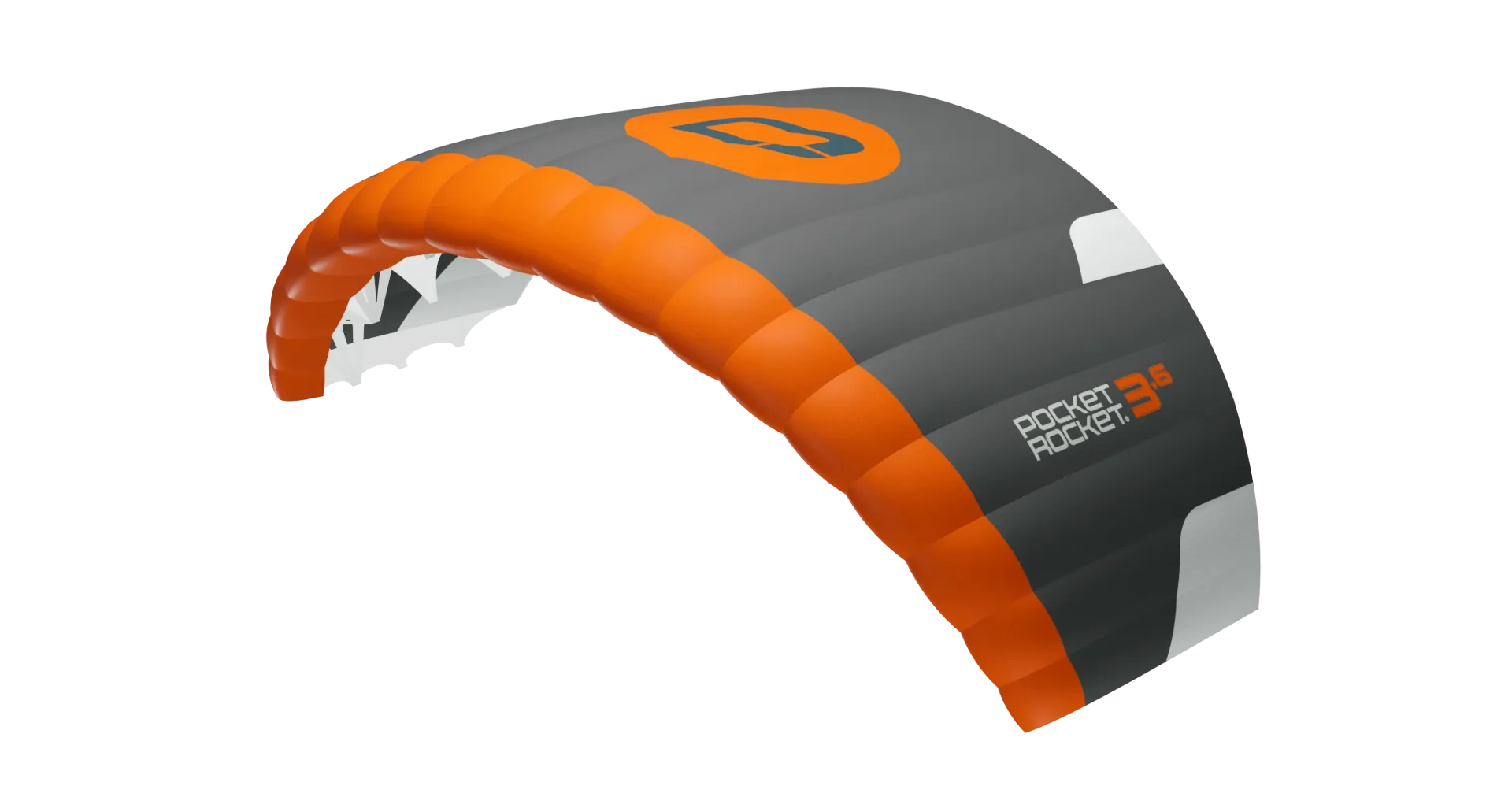
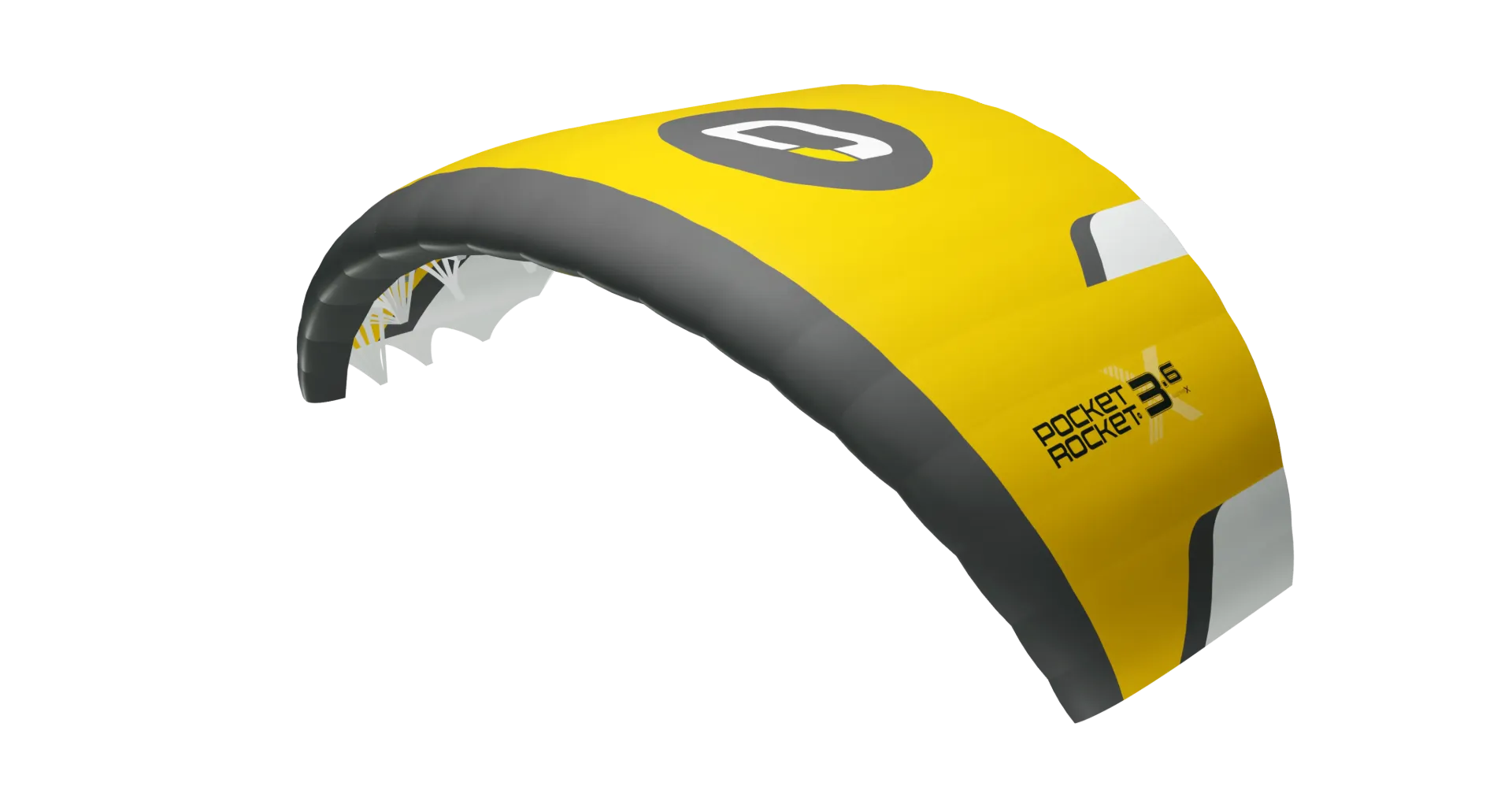
Pick a colour per zone
Choose one of 12 colours for each zone. The 3D preview updates as you go.
Apply
Your design gets a 3-letter code, e.g. DOR (Carbon Grey, Orange, Red). Tap Apply, then add to cart.
Add your logo
Two methods. Not every product offers both; the tool shows what’s available.
Digital print
Printed onto the panels
- Cheaper, no minimum order
- Photos, gradients and fine detail
- Inside one colour panel only
- Coloured logos on white panels; black anywhere
Cut & sewn
Cut from cloth and sewn in by hand
- Any colour, on any panel
- Can cross seams and colour joins
- Flat colours only, details from about 15 mm
- Costs more and adds lead time
Tap Add your logo
Choose Digital print or Cut & sewn.
Upload your logo
A transparent PNG or an SVG works best. EPS and AI files can’t be read.
Place it
Drag it into place, then flip, rotate, crop, duplicate or recolour it. Untick a printed marking to put your logo over it.
Send it
Download the mockup for yourself, or tap Send to Ozone to submit your design.
Good to know
- Made to order at Ozone’s factory: check the lead time on each product page.
- Cut & sewn logos add cost and lead time.
- Simple, bold logos give the best result.
Questions
Can I choose any colour for each zone?
Yes: any of the 12 colours, in any combination.
Which logo file should I upload?
A transparent PNG or an SVG. EPS and AI files can’t be read.
How long does a custom order take?
It’s made to order; the lead time is shown on each product page. Cut & sewn logos add time.
Ready to design yours?
Pick a product and tap Custom colours.